RedotPay Virtual Card vs Physical Card: Let Me Help You Choose
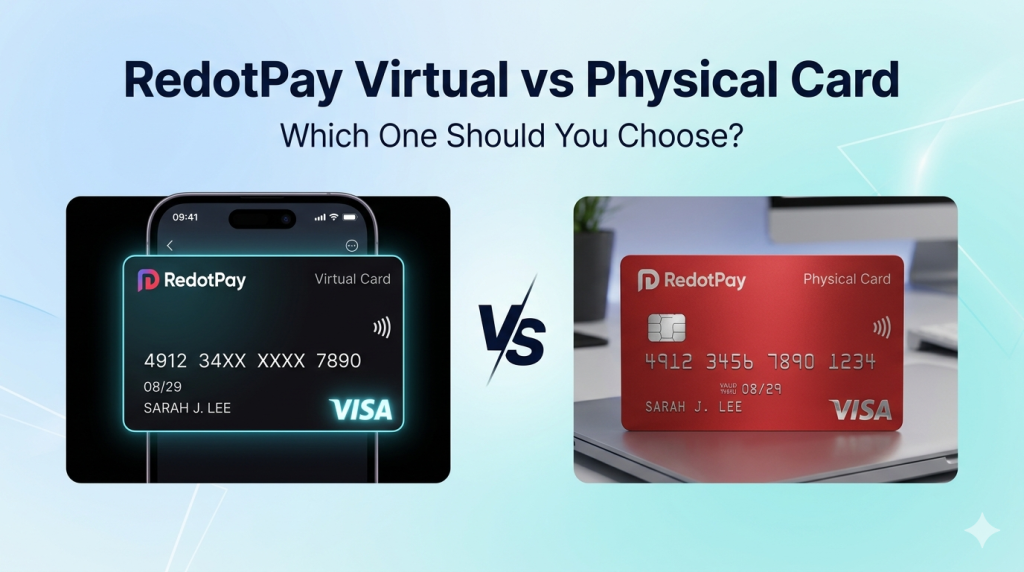
Recently, a lot of people have been asking me: Should I choose the RedotPay virtual card or the physical card?
So today, I’ll break it down based on my real experience.
My Situation
I actually use both.
I’ve been using the virtual card for over 6 months, and I just received my physical card recently — so I have hands-on experience with both.
Virtual Card: Who Is It Best For?
Pros
- Low issuance fee (around $10)
- Instant activation — no waiting for shipping
- Works with most apps and online platforms
- Very convenient for online shopping
Cons
- Cannot be used for in-store payments
- No ATM withdrawals
- Not accepted in some “physical card required” scenarios
Best For
- People who mainly shop online
- Users who don’t need cash withdrawals
- Anyone who wants to start quickly
My Use Cases
- Subscriptions like ChatGPT Plus, Midjourney
- Buying digital products
- Paying for domains and hosting
- Occasionally shopping internationally
When I applied, I used promo code OPENCLAW and got 20% off — not a huge amount, but still feels good to save.
Physical Card: Who Is It Best For?
Pros
- Works for in-store payments
- Supports ATM withdrawals
- Feels like a “real” bank card
- Very useful for travel
Cons
- Higher issuance cost
- Requires shipping time
- May include annual fees (depending on plan)
Best For
- Frequent travelers
- People who need offline payments
- Users who occasionally withdraw cash
The promo code for the physical card is AIAGENT, also giving 20% off.
Since the physical card costs more, the savings are actually more noticeable.
My Real Usage Scenarios
Virtual Card
- Subscriptions (SaaS tools, AI services)
- Online shopping
- Paying for domains and servers
- Buying games on Steam
Physical Card
- Spending while traveling abroad
- Occasional cash withdrawals
- Situations where only physical cards are accepted
Cost Comparison
| Item | Virtual Card | Physical Card |
|---|---|---|
| Issuance Fee | ~$10 | ~$15–20 + shipping |
| Annual Fee | None | May apply |
| Transaction Fee | ~1% | ~1% |
| ATM Withdrawal | Not supported | ~$2 + 2% |
Note: Fees may change. Always check the latest pricing in the app.
Shipping Time (Physical Card)
If you choose the physical card, be prepared to wait.
Mine took about 2 weeks to arrive. Delivery time may vary depending on your location.
Make sure your shipping address is accurate — otherwise, you may be asked to update it.
My Recommendation
If you’re not sure which one to choose:
- Start with the virtual card
- Lower cost
- Instant use
- Great for testing the service
- Apply for the physical card later if needed
- If you find yourself needing offline payments or ATM withdrawals
There’s no need to get both at the beginning — you can always add the physical card later.
Can You Upgrade from Virtual to Physical?
This is a common question.
From my understanding, these are two separate cards, not an upgrade path.
If you want a physical card, you’ll need to apply for it separately.
Security Tips
No matter which one you choose:
- Enable transaction notifications
- Set reasonable spending limits
- Never share your card details
- Regularly check your transaction history
Final Thoughts
Both virtual and physical cards have their own advantages — there’s no absolute “better” option.
It all depends on your personal needs and usage scenarios.
If you decide to apply, don’t forget to use the promo codes:
- OPENCLAW – Virtual Card (20% OFF)
- AIAGENT – Physical Card (20% OFF)
Saving money is always a good idea.
Disclaimer: This article is based on personal experience. Features, fees, and policies may vary by region and change over time. Please refer to official sources before applying.